

 15 Jun 2024 / 1144 comments
How to Transfer Files Using Remote Desktop?
Need to transfer files via Remote Desktop? Follow our straightforward guide for a hassle-free, secure sharing experience. Click now!
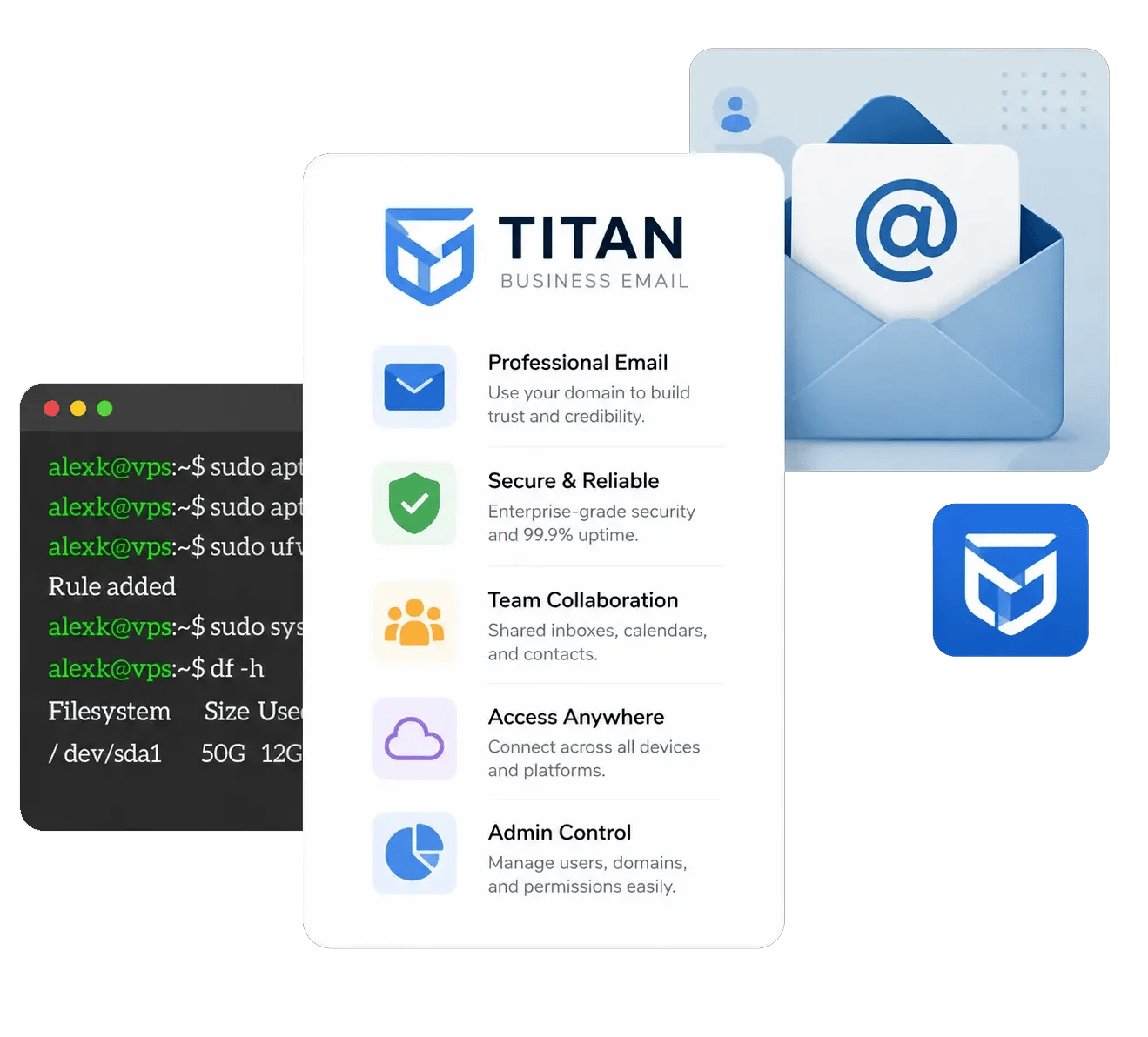
Professional business email for your own domain
Send email from your business address with tools to manage your inbox, stay organized, and get more done. Start with the essentials, then upgrade to advanced productivity, AI, marketing, and booking tools as your business grows.
Paid plans are billed monthly, with storage provided per mailbox. A free Titan Pro Trial is also available.
Save up to 40% with 36-month plan!
Rated 4.17 from 6 votes
| Titan Professional | Titan Premium | Titan Ultra | |
|---|---|---|---|
| Email storageA specific storage space allotted for each mailbox that is created. | 10 GB | 50 GB | 100 GB |
| Mail Hosted By | Titan | Titan | Titan |
| Rich webmailTitan's webmail is packed with powerful features that allow offline working, shortcuts, filters, rules, and more to boost your email efficiency. | |||
| iOS and Android AppsStay connected, no matter where you are. Our mobile apps enable you to access your email from anywhere. | |||
| Built-in Calendar & ContactsShare your calendar with your teammates and contacts and view your calendar by day, week or month. You can also send invites to guests who use Gmail, Outlook, and Apple Mail. |
| Titan Professional | Titan Premium | Titan Ultra | |
|---|---|---|---|
| Read Receipts | 50 | Unlimited | Unlimited |
| Email Templatess | 1 | Unlimited | Unlimited |
| Contact Groups | 1 | Unlimited | Unlimited |
| External Forwarders | 1 | 5 | 7 |
| Multi-Account Support | |||
| Advance Anti-Virus | |||
| Block Sender | |||
| Allowlists | |||
| Grammer And Spell Check | |||
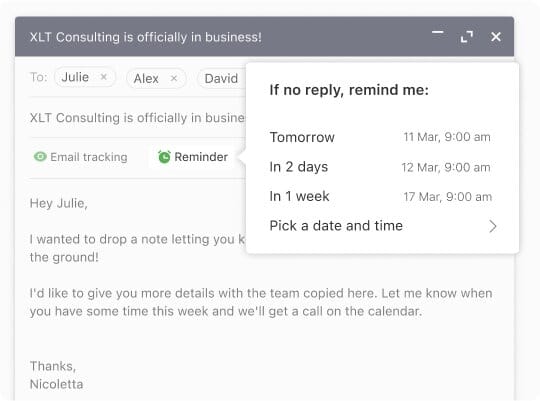
| Follow-Up Reminders | |||
| Html in Composer | |||
| Turbo Search | |||
| Send As Alias | |||
| Two-Factor AuthenticationMistakes happen—and you can fix them. Undo sending your email to make a grammatical correction or add that attachment you missed. | |||
| Priority Inbox | |||
| Business Auto-Reply | |||
| Auto Clean | |||
| Email Labels |
| Titan Professional | Titan Premium | Titan Ultra | |
|---|---|---|---|
| Appointment Booking | |||
| Email Campaign | |||
| Titan AI (Smart Write) | |||
| AI Summary | |||
| Signature Designer | |||
| Attachment and Link Tracking | |||
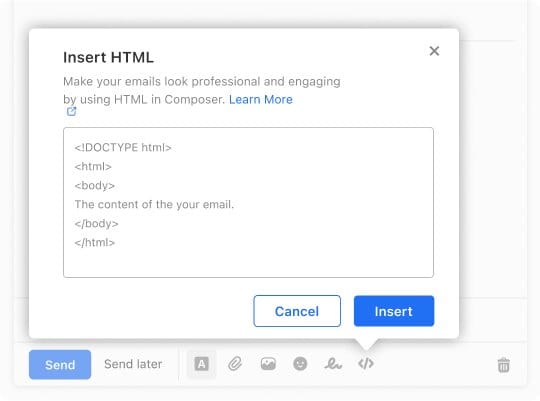
| Email Designer | |||
| Invoice Builder | |||
| Email Backups | 50 GB | ||
| Titan Drive | 1 GB | 50 GB | |
| File Transfer | |||
| Team Chat | |||
| Tasks | |||
| Branding | |||
| Titan MCP | |||
| AI Labels | 100 Labels | Unlimited | |
| AI Inbox | |||
| Password Protected Email |
| Titan Professional | Titan Premium | Titan Ultra | |
|---|---|---|---|
| Sending Limits | Across Domains: *per Mbx:200 Emails/Hour, And 500 Emails/Day | Across Domains: *per Mbx:300 Emails/Hour, And 1,000 Emails/Day | Across Domains: *per Mbx:500 Emails/Hour, And 2,000 Emails/Day |
| Html Signature | |||
| One-Click Import of Existing Emails & Contacts | |||
| Data Encryption | |||
| Advanced Anti-Spam | |||
| Custom DKIM Support | |||
| Email Transfer Rules | |||
| Email Alias | |||
| IMAP/POP3 Support | |||
| Vacation Responders | |||
| Catchall Account |
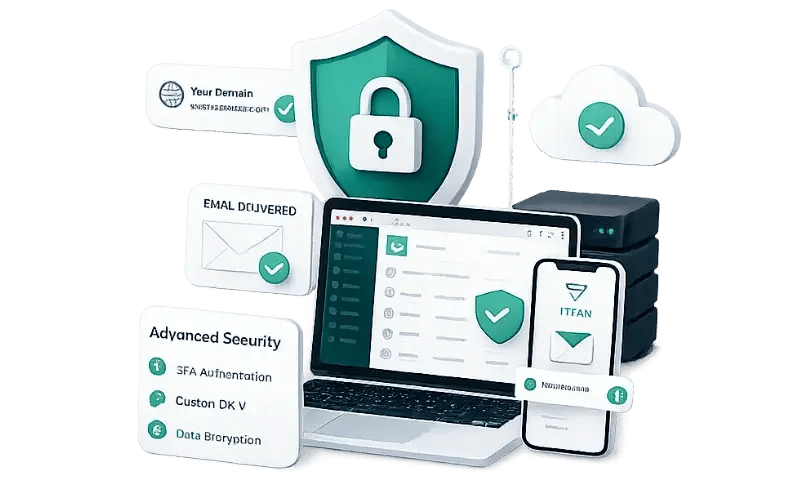
Titan, the highest-rated email platform for small businesses, is a robust and reliable professional business email service that enables you to keep your communication going, no matter where you are. Titan enables you to send your first email from your domain within minutes and comes with fast webmail and mobile apps that require zero setup.
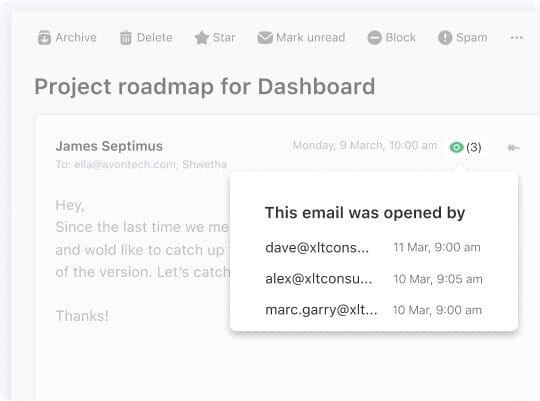
See when your emails are opened, so you know when to follow up. Professional 10; Premium and Ultra: unlimited.
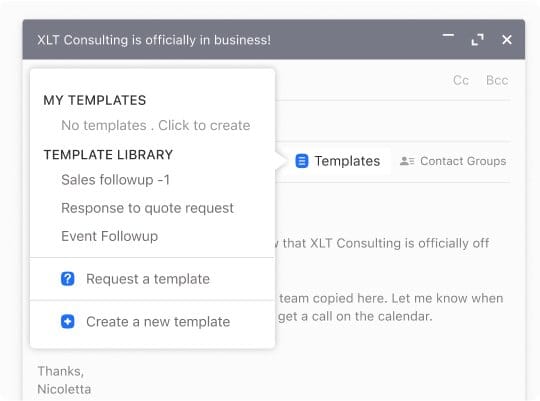
Save the replies that you send most often and then use them again in just seconds. Professional does include 1 template. Premium and Ultra do include unlimited;
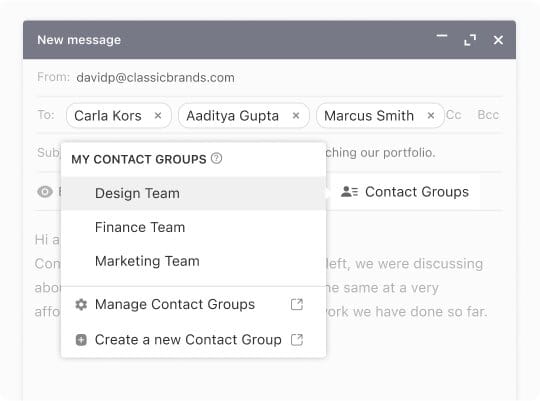
Email a whole group in one email instead of adding addresses individually. Professional has 1 group; Premium and Ultra have unlimited.
Prevent spam or junk email and other untargeted email. All plans come with this feature.
Catch typos before you send. Recall a message you sent prematurely. Included in all plans.
Set up an autoresponder so your contacts know you're out of the office. Premium, Ultra.
Priority Inbox and Email Labels keep important messages on top. (Premium and Ultra.)
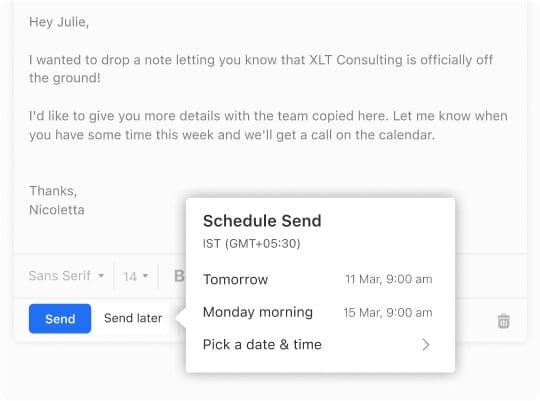
Schedule emails to arrive at the right time. (Premium and Ultra.)
Team Chat, Titan Task, and Titan Drive keep teamwork together. (Premium and Ultra.)
Titan AI helps you compose and reply, and AI Summary condenses long conversations. (Ultra.)
Design emails with Email Designer and send them with Email Campaigns. (Ultra.)
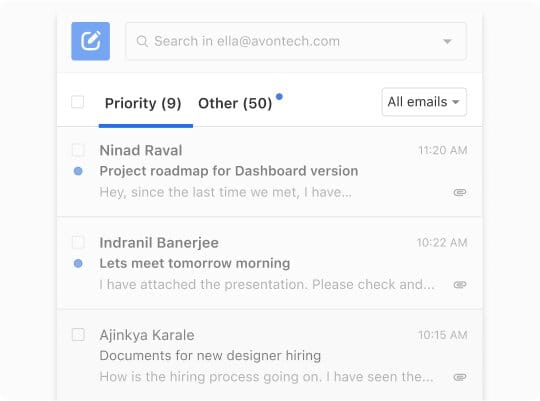
Titan Bookings and Invoice Builder handle scheduling and billing from within Titan. (Ultra.)
Secure File Transfer, File and Link Tracking, Signature Designer, and 50 GB of Email Backup. (Ultra.)

Most companies don’t accept Bitcoin, and that’s the main reason I prefer to choose Monovm.
AlexI'm new here and ordered a starter site. They’ve been in contact with me every day, and my site is now online. So far, I’m really satisfied with their service and support.
It’s great to have access to experts who can guide me through live chat, which is why I’ve been registering my domains and emails with Monovm for several years.
Here you can find answers about Titan Business Email plans, pricing, trials, storage, and the features available at each level.
Titan Business Email is a professional business email service with plans for individuals, growing teams, and businesses that want AI and marketing tools.
There are three paid plans: Professional (from $2.49/mo), Premium (from $4.49/mo), and Ultra (from $9.49/mo). A free Titan Pro Trial is also available.
Yes. The Titan Pro Trial is free and includes the same features as Titan Professional.
Premium adds 50 GB of storage, unlimited Read Receipts, Email Templates, and Contact Groups, Two-Factor Authentication, Priority Inbox, Email Labels, Send Later, Business Auto-reply, Titan Drive (1 GB), Branding, Team Chat, and Titan Task.
Ultra adds 100 GB of storage, Titan AI, AI Summary, Email Campaigns, Email Designer, Titan Bookings, Invoice Builder, Secure File Transfer, Signature Designer, File and Link Tracking, Email Backup (50 GB), and a larger Titan Drive (50 GB).
Yes. Titan Business Email includes Contact Groups, allowing you to organize contacts and send messages to multiple recipients at once. Professional includes 1 Contact Group, while Premium and Ultra include unlimited Contact Groups.
Titan Drive provides additional file storage alongside your email. Premium includes 1 GB of Titan Drive, while Ultra includes 50 GB.
Learn more...
15 Jun 2024 / 1144 commentsNeed to transfer files via Remote Desktop? Follow our straightforward guide for a hassle-free, secure sharing experience. Click now!
 06 Oct 2025 / 72 comments
Do you know how to secure Linux Server? What is Linux Hardening? and Tips for Linux Server Security? Get all the details inside this blog post.
![How to Connect to VPS? [Windows + Linux Guide]](https://monovm.com/cdn-cgi/image/width=1080,quality=80,format=auto,fit=scale-down/https://monovm.com//wp-content/uploads/2020/06/90180-750xAuto.webp "How to Connect to VPS? [Windows + Linux Guide]") 24 Aug 2024 / 281 comments
24 Aug 2024 / 281 commentsLearn how to connect to your VPS on both Windows and Linux with our easy-to-follow guide. Step-by-step instructions to get you started quickly.